

What is PaxViewer?
PaxViewer is a browser-based DICOM viewer with simple PACS functionality.
Initially, it was a browser-based viewer using Orthanc as the backend, but because cornerstone.js and vtk.js were so well-made, I thought, “If I implement my own PACS like Orthanc, wouldn’t it become a standalone application?” and began a major overhaul.
At the time of release, for ease of use, it’s in the form of a desktop application with an integrated server.
Similar to OceanMini, the application itself has a built-in server, eliminating the need for cumbersome deployment procedures.
It should feel as easy to use as any other application.
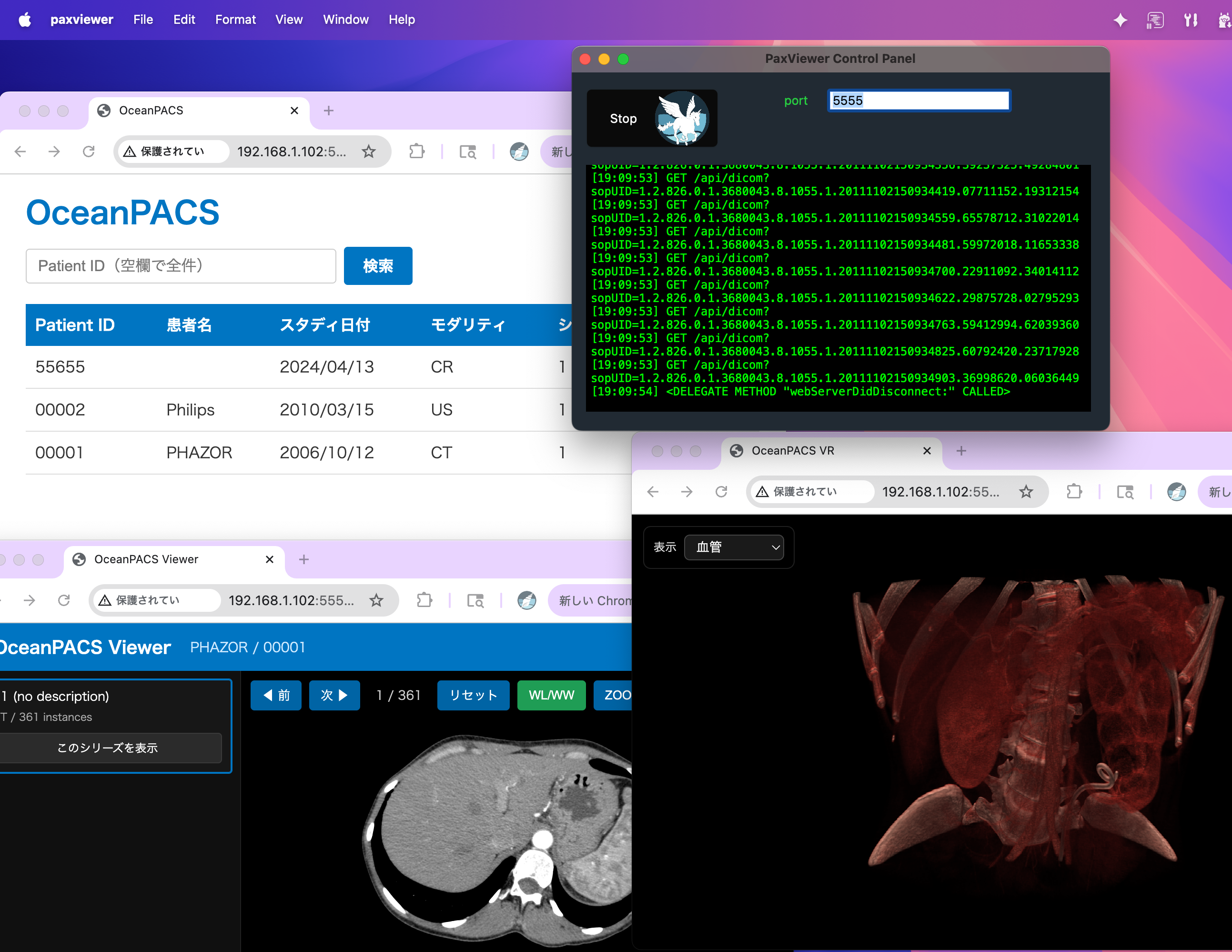
The application itself runs on macOS 12.4 (arm Mac) or later.
Other devices on the LAN can run Windows.
DOWNLOAD
You can download it from here.
It has been notarized, so you can use it immediately after unzipping.
How To Use
After unzipping, double-click the app icon to open the Control Panel.
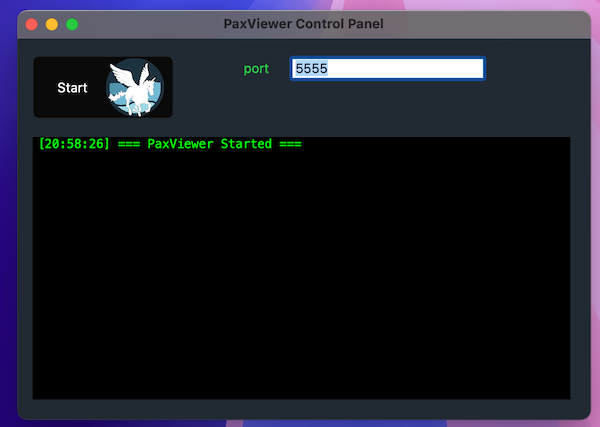
Pressing the Start button will start the server, and your default browser will open the page at
http://[Your Machine’s IP Address]:5555
This will display a list of studies managed by PaxViewer.
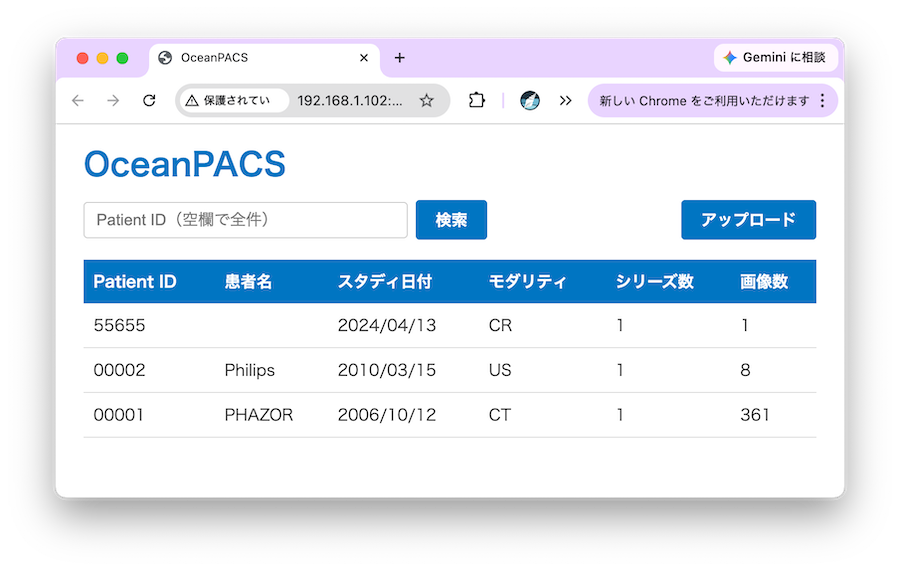
Initially, there is only one DICOM study, so please upload a suitable study (file) to the system.
(Sample DICOM file(s) is HERE: https://phazor.info/HorliX/?page_id=184)
2D Viewer
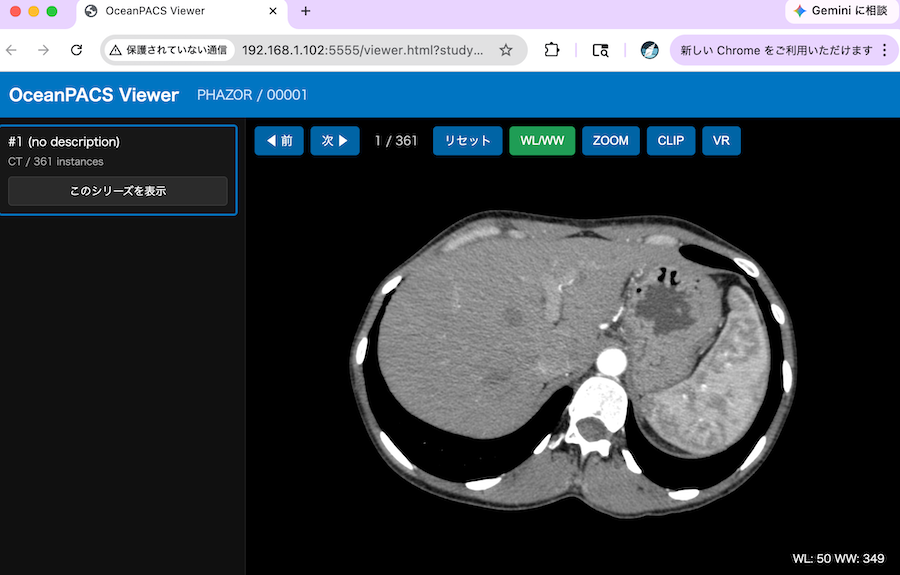
Clicking on a specific row (study) in the list will open the 2D Viewer.
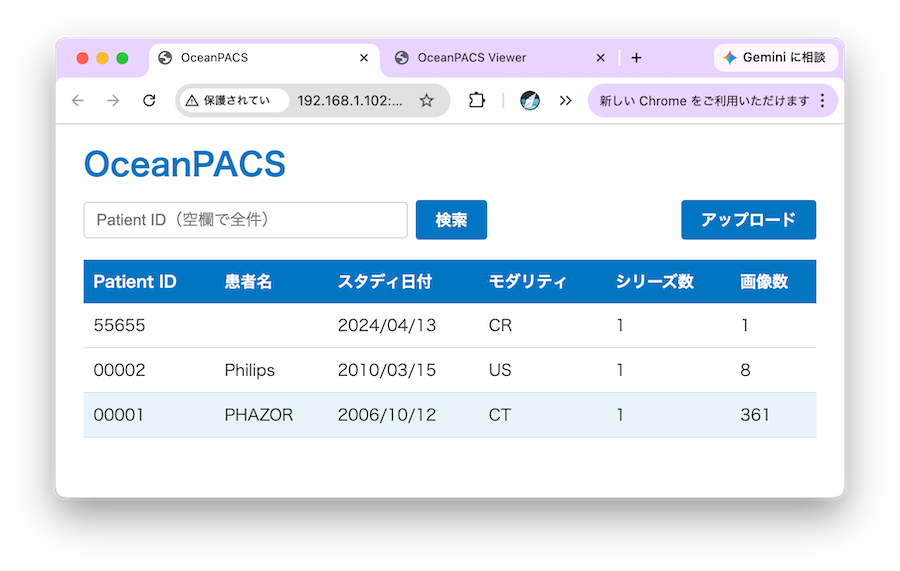
Basic functions such as WL/WW are already implemented.
3D Viewer
Clicking the VR button will open the 3D Viewer.
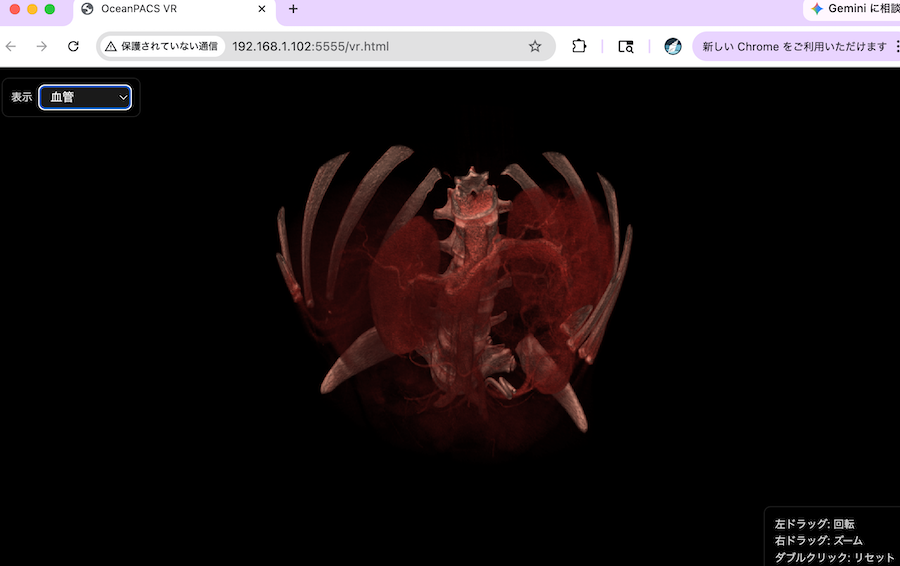
Rotation is handled by left-dragging, which works fine on Mac and other PC, but doesn’t seem to work well on tablets.
The usability needs further consideration.
HorliX dev team